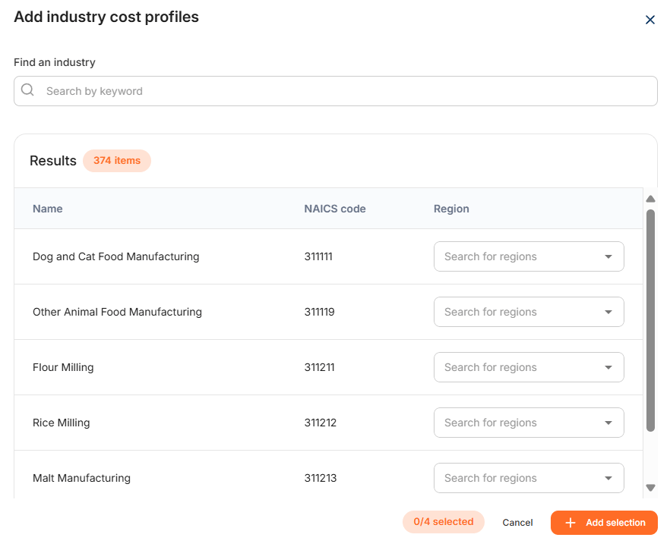
First, click on '+Add industries'
To understand the cost structure of a product, only two things need to be entered:
- The correct NAICS-code in which the supplier is operating should be entered under
'Find an industry'.You can either search by keyword or the code itself. - Select the right region. Often, the region is chosen of where the product in the particular industry is produced. You are able to type in the field, to easily find the right region.
Please note, that when looking for the correct NAICS-code for a 'Product', one should
search within the manufacturing categorisation. These are exclusively NAICS codes
beginning with 31, 32 or 33.
In the WTP application, it is possible to choose from 52 different production countries. In
addition, for particular countries their are more than 160 regions to choose from. This was done deliberately because labour, productivity and energy costs in these countries can vary greatly from region to region.
The 'Find an industry' query allows an extensive search by manufacturing process,
product type or the main material processed. The WTP application has 364 manufacturing
industries and 10,000 industry descriptions to find the desired cost profiles.
Do you need more information on how to find the right NAICS code? Please review our article 'How do I find the right NAICS code?'
Do you need more clarification on how to interpret an Industry Cost Profile? Please review our article 'How do I interpret an Industry Cost Profile?'
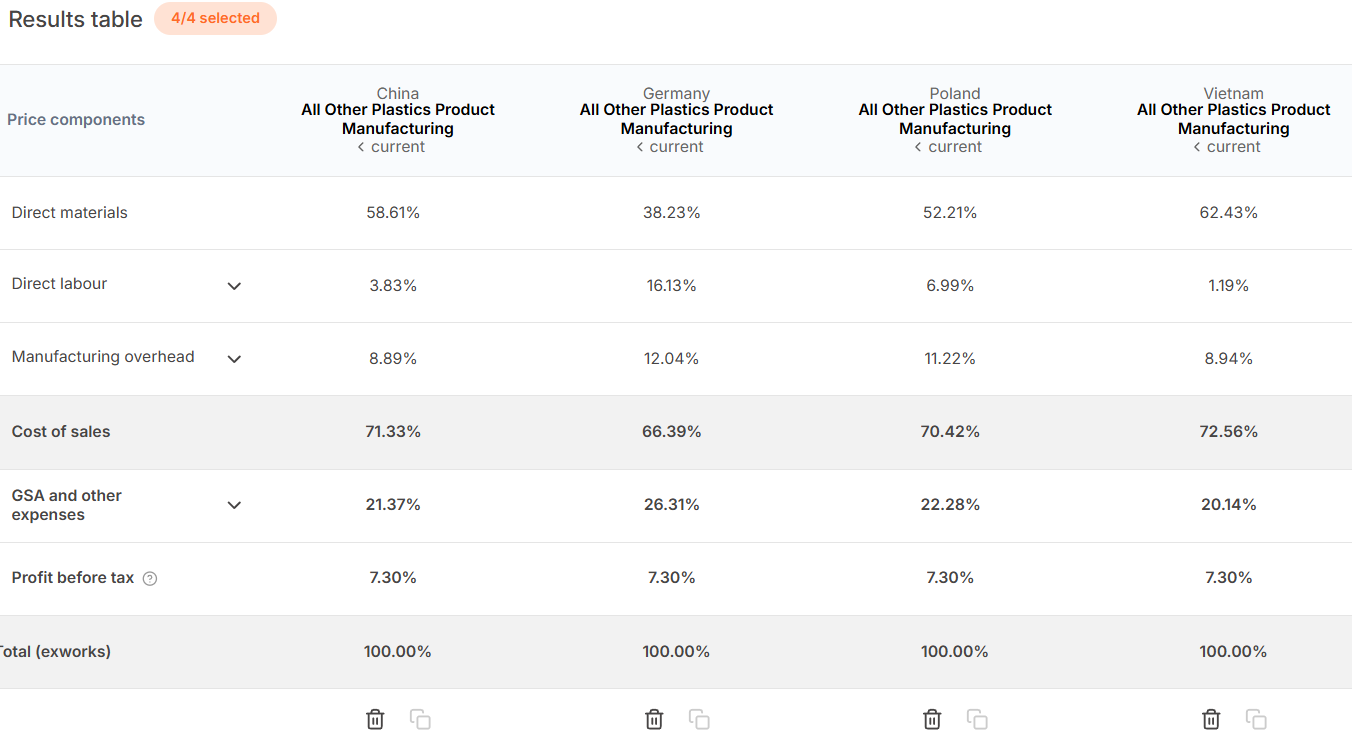
Select multiple Industry Cost Profiles
You are able to select up to 4 different Industry Cost Profiles at once. You can vary between different industries and/or countries. This is very helpful to make direct comparisons.