My Profile
Navigate to 'Settings' > 'My Profile' to change your settings. On this page you can make the following changes:
- Change the language of your WTP account
- Set your preferred unit of measure
- Set your preferred currency
- Subscribe or unsubscribe from digest e-mails.
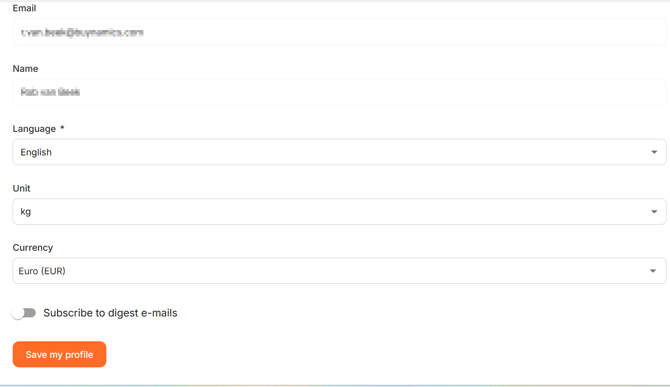
These settings are used as the default throughout WTP. Click 'Save' before leaving the page.
You can also open 'My profile' by clicking on your name in the bottom-left corner of the menu.
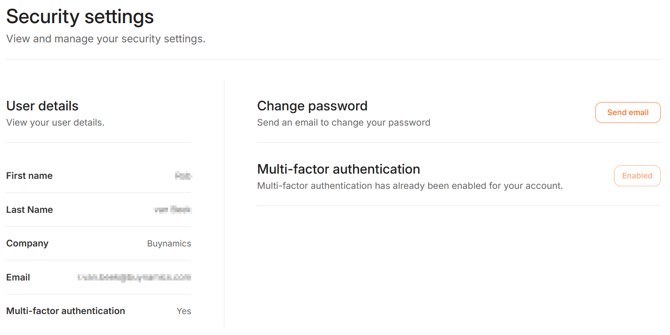
Security
Navigate to 'Settings' > 'Security' to check or change your security settings. On this page you can change your password or enable/disable Multi-factor authentication if your organisation has enabled this feature.
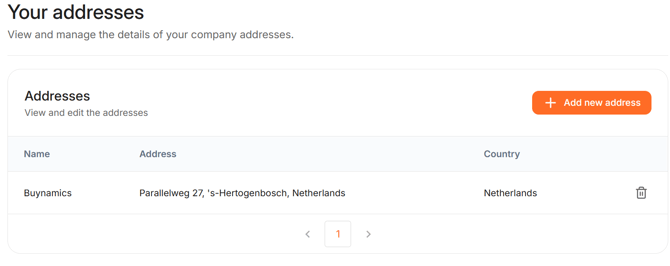
My addresses
Navigate to 'Settings' >'My Addresses' to check or change your addresses. On this page you can add, edit or remove addresses.