
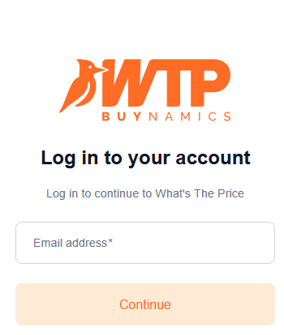
Once you have received your login details from Buynamics, you can sign in to WTP. Click here to open the WTP login page. Enter your email address and click 'Continue'.
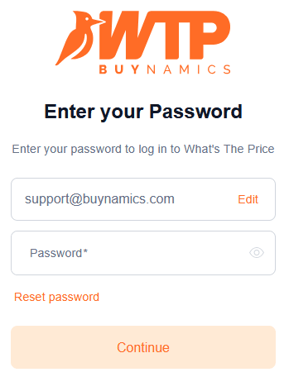
In the next screen you can enter your password and click 'Continue' to sign in.
If you have forgotten your password, click Forgot your password or see 'I forgot my password. What should I do?'.
For security reasons, you are automatically signed out after 30 minutes of inactivity.
If your organisation uses Single Sign-On (SSO), you are automatically redirected to WTP after signing in through your organisation's identity provider.