
When creating a product, you can add Supplier Details. You can select the supplier for your product from a list of suppliers or create a new supplier directly on the product page.
Managing suppliers allows you to reuse supplier information across multiple products. To manage the list of suppliers, click 'Cost Models' > 'Suppliers'. You can view or delete suppliers by clicking the eye or trash bin icon. Click the eye icon to open a supplier and edit its details.
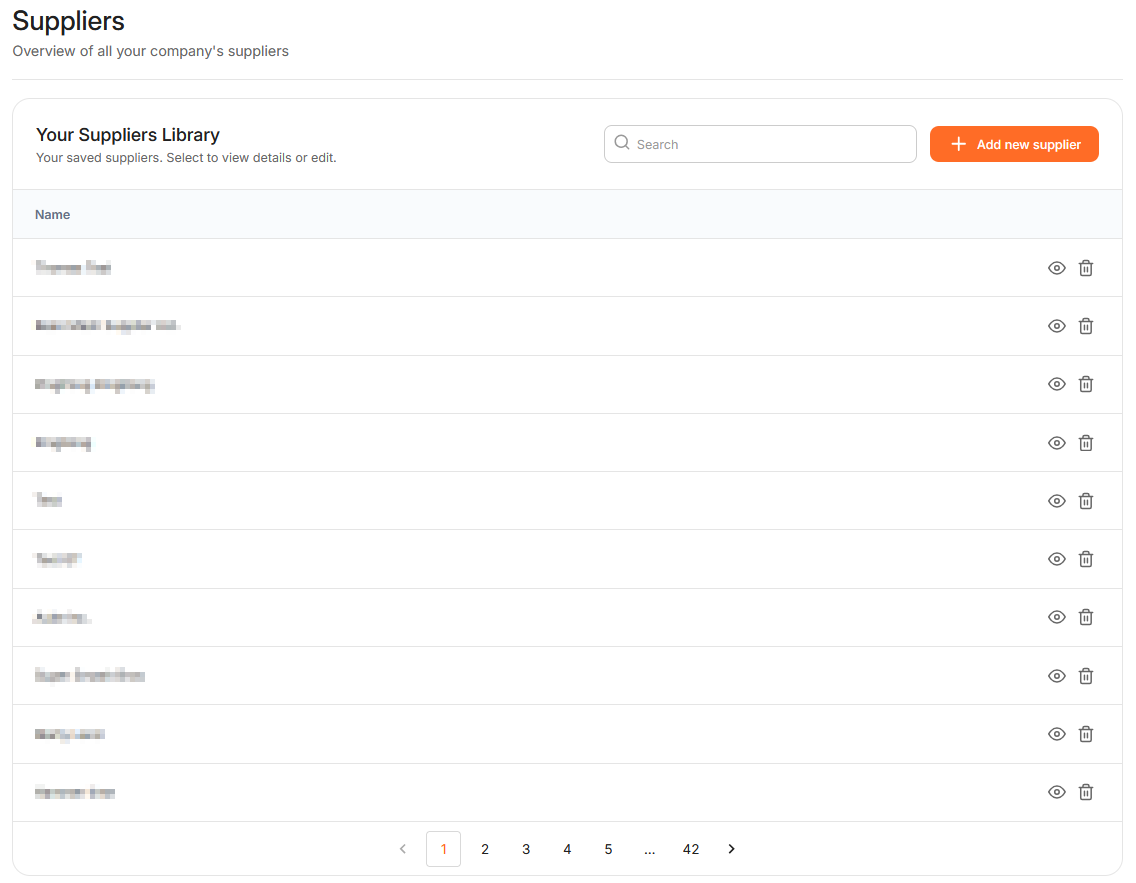
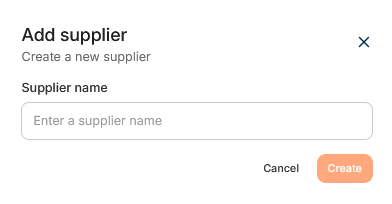
To add a new supplier, click '+Add new supplier'. First, enter your supplier's name and click 'Create'.
Click Edit under the Details tab to edit the supplier name. To add a new address, click ´+Add new address'. Enter the address by searching for a street, city, postal code or company name. The address name is filled in automatically, but you can change it if needed. To add this address, click 'Save'.
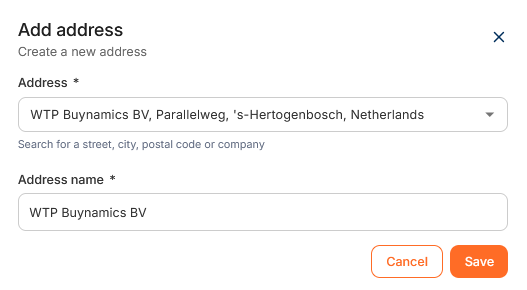
A supplier can have multiple addresses, allowing you to select the correct location for different products or shipments.