
In the WTP application, Commodities are one of the type of Resources that are available. Price trends can be viewed for more than 5,000 resources. To do this, go to the menu bar and click on ‘Prices & Indices’, 'Resources' and then on ‘Commodity Market Prices'.
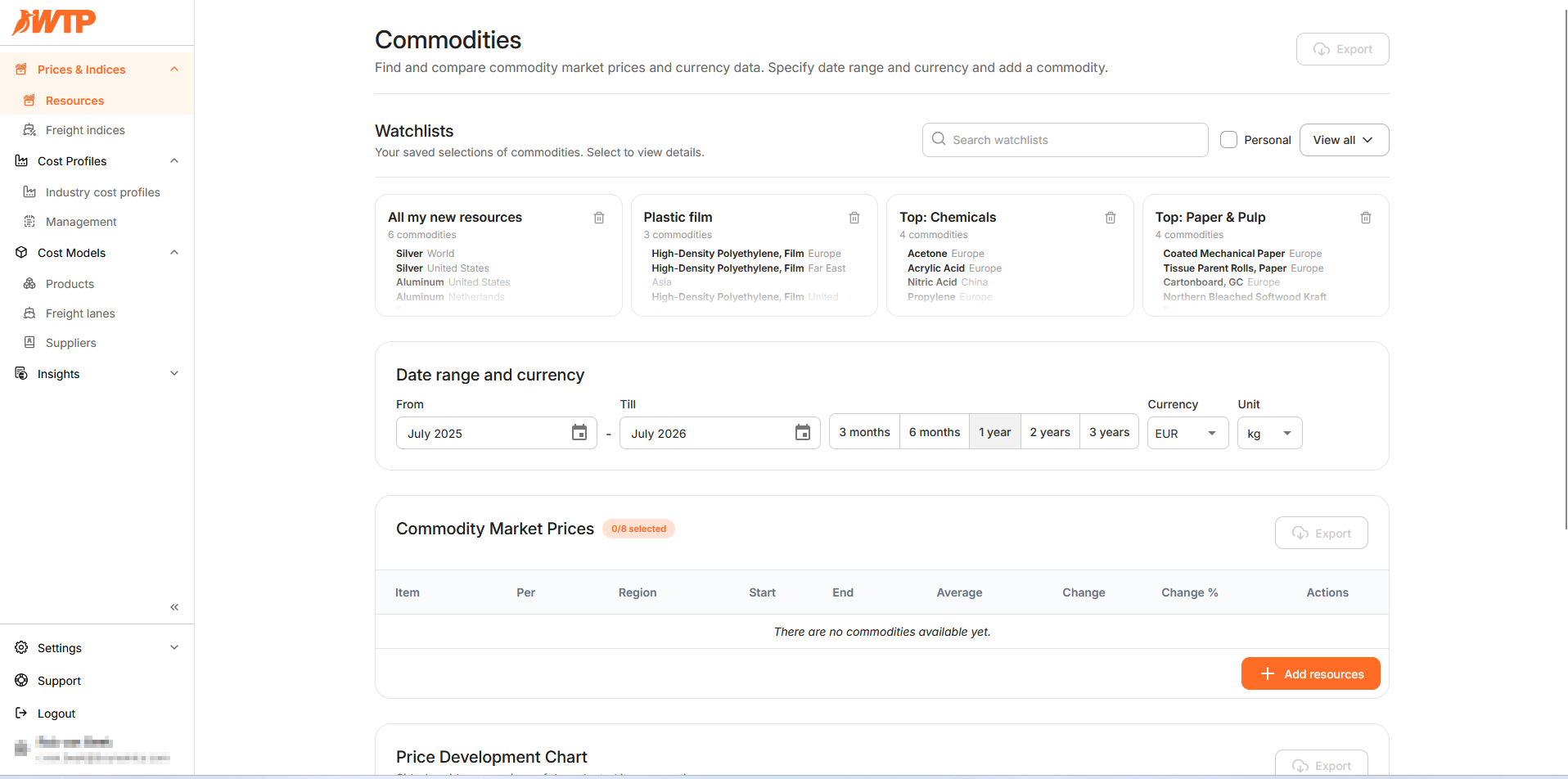
Click on 'Add resources' to open up the menu with all the possibilities. There is a long list of Commodities, Currencies, Energies and Indices avaiable for you as a user of WTP. Select up to 8 resources you would to see and click on '+Add resources' to confirm your choices. Your chosen resources will now be visible.
For detailed instructions, please see 'How do I add a commodity?'